
Recommended Apple Watch settings for running

Most people leave everything set to the factory defaults. Here’s how Grumpy Runner configures his Apple Watch:
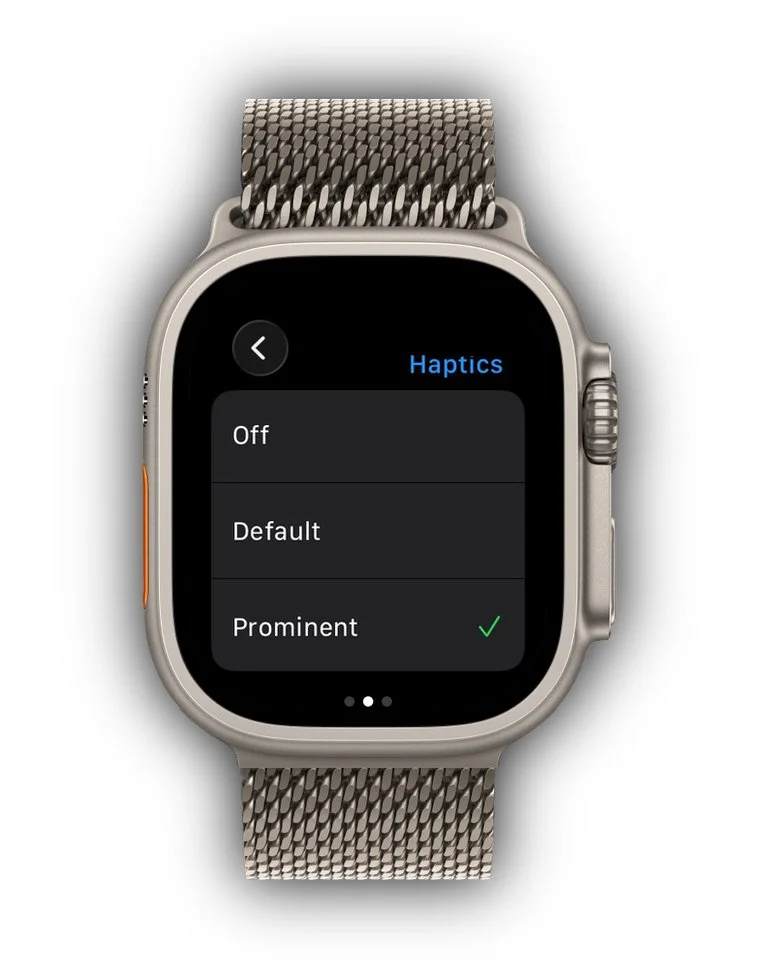
Haptic Alerts: Turn Them Up A gentle tap on the wrist is charming at a dinner party. On a run, it's useless. Go to Settings → Sounds & Haptics on your Apple Watch and enable Prominent Haptic. This adds a stronger pre-tap before notification haptics so you actually feel them when your heart rate is up and your arms are moving. While you're there, slide Haptic Strength all the way to the right.
Wake Screen on Wrist Raise You're going to want to glance at your watch constantly. Make it easy. In Settings → Display & Brightness, enable Wake on Wrist Raise and set the wake duration to 70 Seconds. If you have an Always On display (Series 5 or later), turn that on too — it uses a bit more battery but means you never miss your current pace mid-stride.